How to change a short link’s destination without replacing the link
Fix a wrong URL or move a campaign to a new page. Learn how to update a li2.li short link, keep its alias, and check a printed QR code.
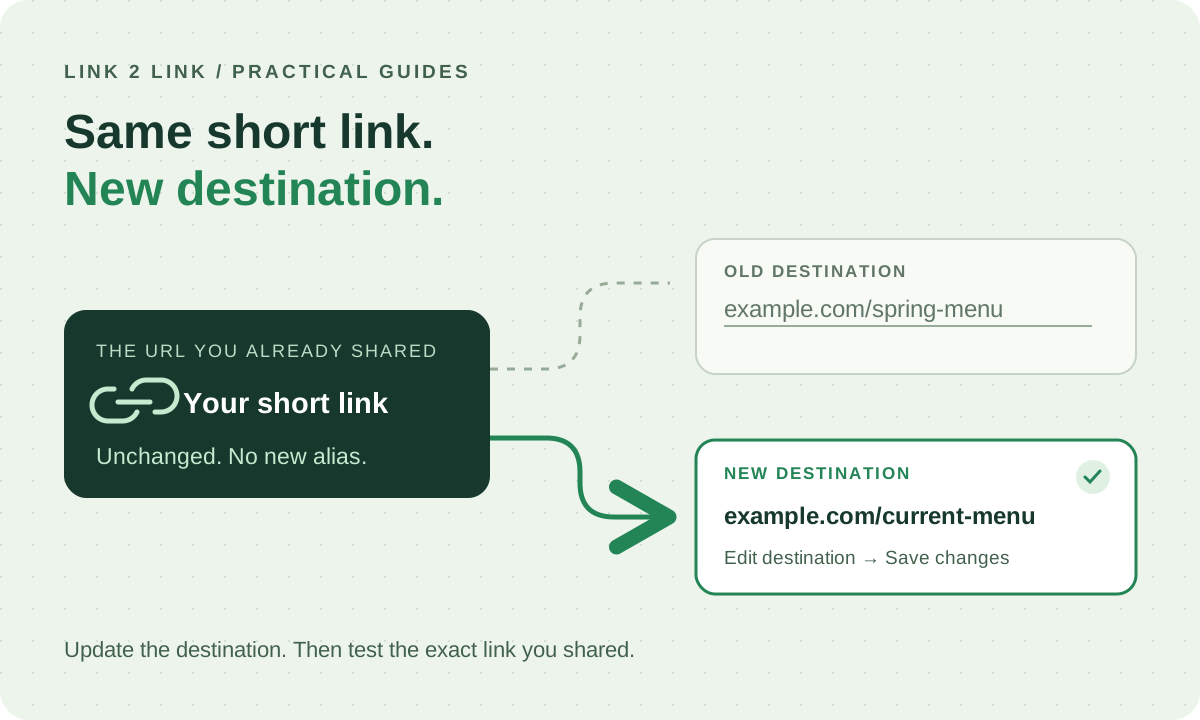
Already shared the link? Edit the destination.
You put a short link in an email, a social post or a printed flyer. Then the landing page moves, the campaign ends or you notice a typo in the destination. Creating a new short link does not fix the one people already have.
In li2.li, you can update the destination of an existing link you have permission to edit. The short link’s alias stays the same. For example, a link that points to example.com/spring-menu can be changed to point to example.com/current-menu. These are illustrative destinations, not live li2.li links.
Update the destination in li2.li
- Sign in and open your dashboard. If the link belongs to a team, choose the workspace that owns it.
- Find the existing link by its title, destination or alias. Choose Edit on its row, or open its details and choose Edit link.
- Replace Destination URL with the full new https:// address. Keep any query parameters the new page needs, including your campaign’s UTM parameters.
- Check the other settings before saving, especially whether the link is active and whether it has an expiry date or password. Changing the destination does not automatically remove those restrictions.
- Choose Save changes. If validation fails, correct the field shown and save again.
- Open the same short URL you shared and confirm that it reaches the intended page. Check on a phone too if that is how your audience will visit.
Will a printed QR code still work?
A QR code contains a URL. If it contains the same li2.li short URL you just edited, it can keep sending visitors through that link to the new destination. li2.li’s SVG QR download uses the short link, so you do not need to reprint that code just because its destination changed.
A QR code that directly contains the old destination URL will not be updated by editing a li2.li link. Scan the actual printed code and inspect the URL before deciding a reprint is unnecessary. Keep the link active and maintain any custom domain it depends on.
A quick check before you call it done
- Open the destination directly first. Confirm the page is available and appropriate for the people who received the original link.
- Test the exact shared short URL, not a newly created replacement. A successful save alone does not prove the destination page works.
- If the old page still appears, try a new private browsing session and check whether the destination itself redirects. li2.li uses temporary redirects with no-store headers, but other software or the destination can have its own behavior.
- If you use device, geographic or experiment routing, check those rules separately. They can send visitors to a different destination than the main URL.
- Keep a note of the previous destination if you may need to change back. Do not delete and recreate the link: deleted aliases remain reserved.
What editing does not change
The alias is fixed. If you need a different short URL, create another link and update the places where you share it. Editing also cannot recall an email, change a saved social preview or alter content on the destination website.
Redirect totals are not unique visitors or confirmed sales. Bots and repeat visits can contribute to counts, so checking a redirect count is not a substitute for testing the link itself.
Keep the new destination consistent with what people expect when they click. If the original offer is over, a clear explanation or relevant replacement page is more useful than an unrelated promotion.